Smart
Finds black bars that are part of the video itself and takes them out, without cropping the picture.
 Cinewide
Cinewide is a Chrome extension for ultrawide monitors. It finds the real picture inside a video, even when the black bars are part of the video itself, and fits it to your screen without cropping it.
Free to use. No account needed.
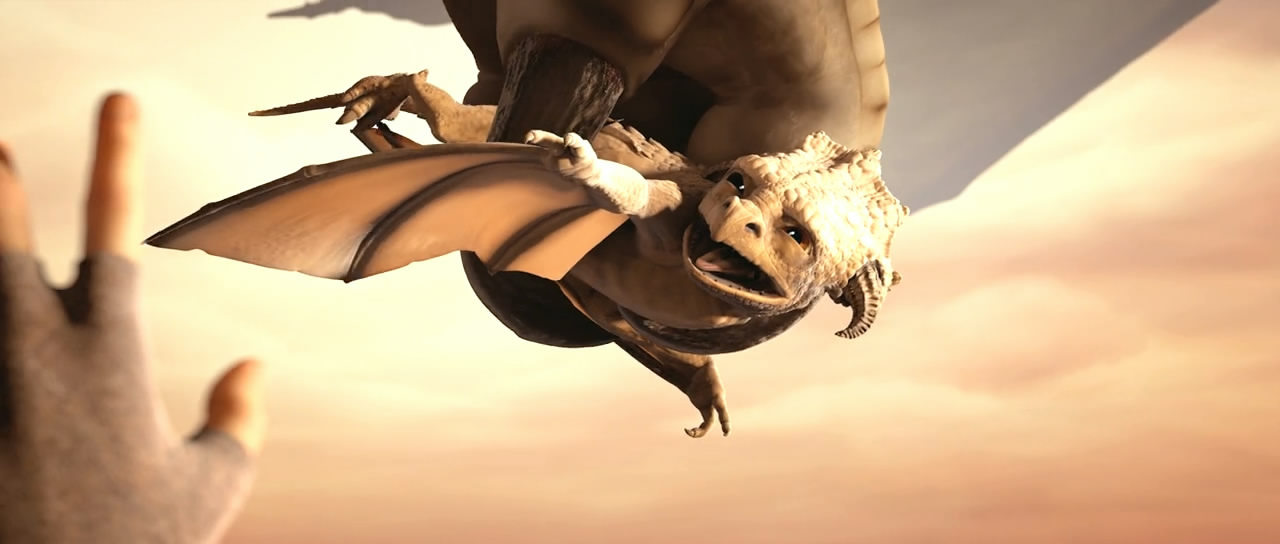
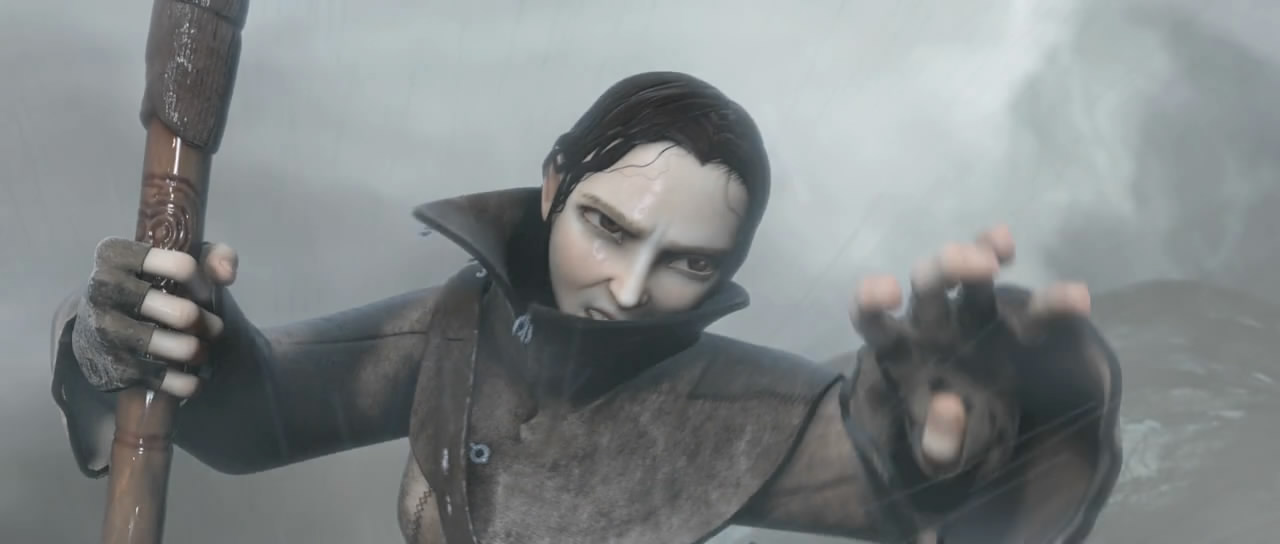
The pictures are illustrations, made from stills of the film Sintel. They are not screenshots. Sintel: © Blender Foundation, www.sintel.org, CC BY 3.0.
Finds black bars that are part of the video itself and takes them out, without cropping the picture.
Fills the screen. The edges of the picture are cropped, and Cinewide tells you.
For video whose picture cannot be measured, such as protected streams: 2.39:1, 2.0:1, 1.85:1 and 16:9, one press each.
Zoom and move the picture by hand, on top of any mode.
On YouTube, Vimeo and Twitch from the start. On every other site, only when you press: a key, or the Cinewide icon in the toolbar.
Cinewide changes how your browser shows the video, not the video. Press again and it is as it was.
Cinewide speaks Vietnamese in a browser that is in Vietnamese, and English in any other.
No analytics. Nothing about what you watch or where you watch it is ever sent.
$0 for good
$14.99 a year
An account is needed only for the trial, for Pro and for sync. Prices are in US dollars. Tax may be added at checkout, depending on your country.